AI Training Solutions That Save You Hours Every Week: The Complete Guide
Spending too much time on repetitive AI training tasks? The right AI training solutions can reclaim hours from your workflow every single week. This guide breaks down the tools, techniques, and platforms that leading teams use to train smarter — not longer.
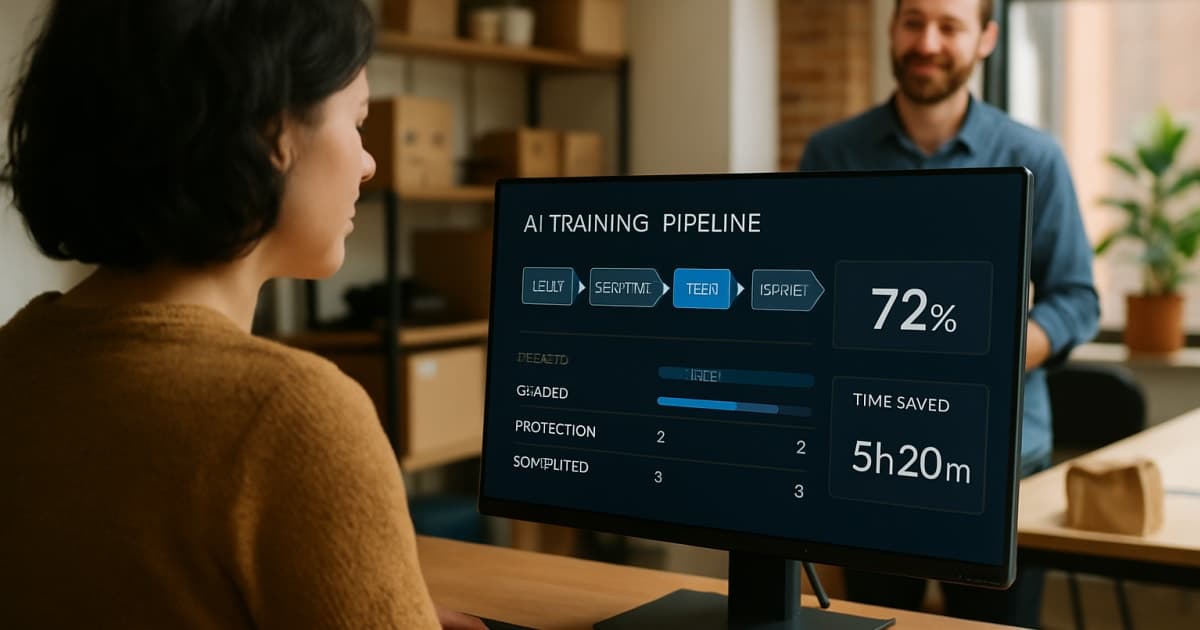
Small business owners are drowning in repetitive tasks — answering the same emails, entering the same data, chasing the same invoices. AI-powered automation is changing how businesses operate, and the ones adopting it now are pulling ahead fast.
What Business Automation Actually Means for Small Teams
Business automation is not magic software that replaces your entire staff overnight. It is software that handles the predictable, rule-based work so your team can focus on the decisions that actually require a human. Think about how many hours your team spends copy-pasting data between spreadsheets, sending follow-up emails, or manually scheduling appointments. Those hours add up to real money.
A small retail shop, for example, might spend 10 hours a week on inventory updates and supplier emails. With the right automation setup, that same work takes 30 minutes of oversight. The owner gets those hours back to spend on customer relationships, product development, or simply going home on time. That shift in time allocation is where automation delivers its clearest value.
The Real Cost of Doing Everything Manually
Manual processes are expensive in ways that do not show up as a single line item on your budget. Errors from data entry cost businesses money in corrections, refunds, and lost customer trust. Slow follow-up on leads — because someone forgot or ran out of time — means deals die quietly. A McKinsey analysis on AI and productivity found that workers spend roughly 60% of their time on work coordination tasks like email and data gathering rather than skilled work they were actually hired to do.
For a five-person business, that figure is brutal. You are paying five people but getting the skilled output of maybe two. Automation tools do not take sick days, forget to send reminders, or mistype a phone number. They run the same process the same way every single time, which is exactly what repetitive tasks demand.
Which Tasks Are the Best Candidates for Automation
Not every task belongs in an automation workflow. The best candidates share a few traits: they happen often, they follow a clear pattern, and they do not require nuanced human judgment. Lead follow-up emails, appointment confirmations, invoice generation, social media posting schedules, and customer onboarding sequences all fit that description. These are the tasks that feel manageable on a slow week and completely overwhelming on a busy one.
Customer service is another high-return area. A well-built chatbot handles common questions — store hours, return policies, order status — around the clock without adding headcount. That frees your team to handle the complex conversations that actually need empathy and creative problem-solving. To see exactly how these workflows get built and connected, visit our AI implementation page for a full breakdown of the process.
How AI Makes Automation Smarter Than Simple Rules
Traditional automation followed rigid if-then logic. If a customer emails about a return, send template number four. That worked until the customer asked something slightly different, and then the system fell apart. AI-powered automation reads context. It understands that "I need to send this back" and "this product is not what I ordered" both point toward a return, even though the words are different.
This matters enormously for small businesses that cannot afford a dedicated customer service team monitoring every channel. Gartner projects that more than 80% of enterprises will deploy generative AI applications by 2026, and small businesses that start building these systems now will not be playing catch-up later. The gap between early adopters and late movers in automation is widening every quarter.
Common Misconceptions That Hold Small Businesses Back
"Automation is for big companies with big IT budgets." That belief is outdated and it is costing small business owners real money every day they hold onto it. Modern automation platforms are built specifically for teams without dedicated technical staff. Setup often takes days, not months, and pricing has moved to subscription models that scale with your actual usage.
"My business is too unique to automate." Every business owner believes their operation is too custom, too personal, too relationship-driven for software to handle. And every business owner also has a stack of tasks they do the exact same way every single week. Those repeatable tasks are where automation starts — the unique parts of your business stay in your hands. Our client success stories include businesses in custom manufacturing, professional services, and specialty retail who said the same thing before seeing what was actually possible.
Steps to Start Without Overwhelming Your Team
Start with one process. Not five, not a department-wide rollout — one process that eats time and follows a clear pattern. Map out every step that process currently takes. Write it down as if you were explaining it to a new employee on their first day. That document becomes the blueprint your automation follows.
Then measure the baseline. How long does that process take today? How often does it produce an error? How much staff time does it consume per week? You need those numbers before you start so you can prove the return on investment after. Most businesses see meaningful time savings within the first 30 days of their first automation workflow. Check our pricing options to understand what entry-level implementation actually costs for a team your size. For a broader look at what is available, the automation solutions page covers the full range of tools we deploy for small business clients.
Measuring Whether Your Automation Is Working
Hours saved is the most obvious metric, but it is not the only one worth tracking. Error rate reduction tells you whether the automation is doing the process more accurately than the manual version. Customer response time tells you whether the automation is meeting people faster. Revenue influenced by automated follow-up sequences tells you whether the automation is driving actual business outcomes.
Set a 90-day review for any new automation you deploy. Pull those baseline numbers and compare them honestly. If the time savings are real but errors went up, the workflow needs adjustment — that is normal and fixable. If both time savings and accuracy improved, you have proof of concept and a reason to expand to the next process. Harvard Business Review research on AI adoption consistently shows that businesses with clear measurement frameworks get better outcomes than those running automation without defined success metrics.
Frequently Asked Questions
Do I need a technical background to use business automation tools?
No technical background is required for most modern automation platforms designed for small businesses. The setup process is guided, and most tools use visual drag-and-drop builders rather than code. Our team handles the technical configuration so you only need to understand your own business processes, not software architecture.
How long does it take to see results from automation?
Most businesses notice time savings within the first two to four weeks of deploying their first automated workflow. The speed of results depends on how frequently that process runs — a task that happens 50 times a week will show measurable savings faster than one that happens twice a month. Tracking baseline metrics before you start makes it easy to quantify the improvement clearly.
What if my business processes change after I set up automation?
Automation workflows can be updated when your processes change — they are not locked in permanently. Most platforms allow edits without rebuilding the entire workflow from scratch. Regular reviews every 90 days help catch places where a workflow has drifted out of sync with how your business actually operates now.
Will automation replace my employees?
Automation replaces specific tasks, not people. Your employees spend less time on repetitive work and more time on customer relationships, problem-solving, and growth activities that actually require human judgment. Most small businesses that adopt automation find they can grow revenue without proportionally growing headcount, rather than reducing their current team.
Is my customer data safe inside automation platforms?
Reputable automation platforms use encryption and comply with data privacy regulations like GDPR and CCPA. Before connecting any customer data to a new tool, confirm that the platform provides a data processing agreement and clearly states where data is stored. Our implementation process includes a security review before any customer data is connected to a new workflow.
How much does business automation typically cost for a small business?
Costs vary based on the number of workflows, the tools involved, and whether you need ongoing support or a one-time setup. Entry-level automation for a single process can start at a few hundred dollars per month, while more connected multi-department systems cost more. Visit our pricing page for current package options sized for small business budgets.
Where should a small business owner start if they have never used automation before?
Start by listing every task you or your team does more than three times a week that follows the same steps each time. Pick the one that takes the most total time and causes the most frustration when it goes wrong. That is your first automation project. A focused starting point beats a broad rollout every time when your team is new to these tools.
Getting Started
The businesses gaining ground right now are the ones that stopped treating automation as a future project and made it a current priority. You do not need a large team, a big IT budget, or months of planning to get your first workflow running. You need one clearly defined process and a partner who knows how to build it right. Schedule a free consultation with our team and we will identify your highest-impact starting point in the first conversation. If you want to explore what other business owners in your situation have built first, our about page explains our approach and the types of businesses we work with every day.
Brandon Hufstetler
Principal and CEO of Autonomous Retail Technology
Brandon Hufstetler is an AI strategist and executive dedicated to helping businesses connect technology, data, and strategy to achieve real growth in the modern business era. As the Principal and CEO of Autonomous Retail Technology, he leads initiatives that use AI to streamline operations, enhance decision-making, and scale business impact. With nearly 25 years of experience spanning startups, scaling ventures, and large enterprises, Brandon has built a reputation for bridging the gap between innovation and execution. His approach blends business acumen with deep technical insight, enabling organizations to embrace AI in ways that are both responsible and transformative. Before founding Autonomous Retail Technology, Brandon spent more than a decade in senior leadership roles overseeing digital transformation, business development, and enterprise analytics. He is passionate about empowering leaders to navigate the evolving AI landscape with confidence, creativity, and measurable outcomes.
Ready to Automate Your Business?
Let's discuss how automation can transform your operations.
Book a Free Consultation