How Sales Automation Transforms Customer Service: The Complete Guide for 2024
Struggling to deliver consistent, high-quality customer service at scale? Sales automation bridges the gap between your team's capacity and your customers' expectations — slashing response times, eliminating manual errors, and freeing your reps to focus on relationships that actually close deals and build loyalty.
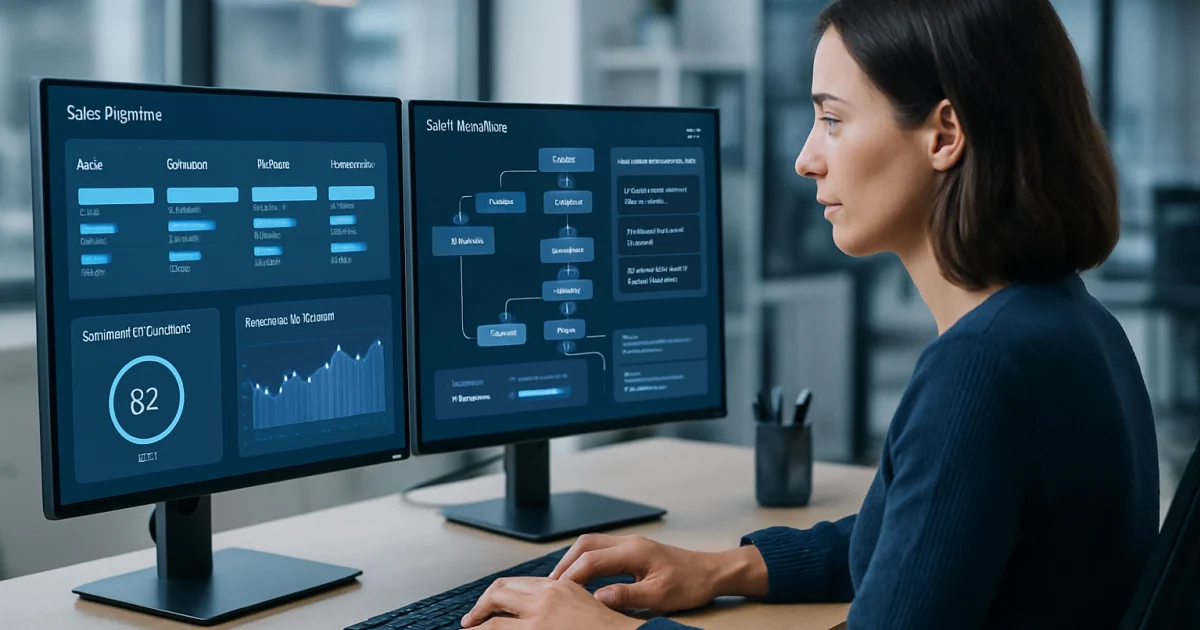
Small business owners are discovering that AI-powered automation is no longer reserved for large corporations with massive IT budgets. The tools available today can handle repetitive tasks, respond to customers, and free up your team to focus on work that actually grows your business.
What Business Automation Actually Means for Small Businesses
Business automation means using software to complete tasks that your team currently does by hand. Think sending follow-up emails, scheduling appointments, sorting customer inquiries, or generating weekly reports. These are jobs that eat hours every week but require very little human judgment. When a machine handles them, your people get that time back.
Most small business owners assume automation requires a dedicated IT team or a six-figure budget. That assumption is outdated. Modern platforms are built for business owners, not engineers. You do not need to write a single line of code to automate your email follow-ups or your invoice reminders. The setup typically takes hours, not months.
According to McKinsey's research on AI productivity, businesses that automate routine tasks see productivity gains of 20 to 35 percent in the affected workflows. For a five-person team, that can be the equivalent of hiring a sixth person without adding payroll. That is real money. To see exactly how this plays out for businesses like yours, read through our client success stories.
The Tasks That Are Costing You the Most Time
There is a short list of tasks that drain small business teams more than almost anything else. Customer follow-up emails sit at the top. Most businesses lose sales simply because someone forgot to send a second message. Automated sequences solve this completely and consistently, every single time, without anyone on your team lifting a finger after the initial setup.
Appointment scheduling is another major time sink. Back-and-forth emails to find a meeting time can take 15 minutes per booking. Multiply that by 20 bookings a week and you lose five hours. An automated booking system, connected to your calendar, eliminates that entirely. The customer picks a time, gets a confirmation, and receives a reminder. Your team never touches it.
Data entry, invoice generation, and report compilation round out the list. These are tasks where human error is common and the cost of that error can be significant. Automation removes the error rate almost entirely. See how AI implementation works for each of these task types, including what the setup process looks like from day one.
How AI Changes Customer Communication
AI-powered communication tools can respond to customer questions within seconds, at any hour of the day. A customer who messages your business at 11 PM on a Saturday gets an accurate, helpful response immediately instead of waiting until Monday morning. That speed alone changes how customers perceive your business. Many will choose a competitor simply because they got an answer faster.
The more sophisticated tools do not just answer questions. They qualify leads, collect contact information, route complex issues to the right team member, and log the entire conversation in your CRM. One small HVAC company using these tools reduced their average response time from four hours to under two minutes. Their booking rate from online inquiries went up 31 percent in the first 90 days.
Salesforce's State of the Connected Customer report found that 88 percent of customers say the experience a company provides matters as much as its products. Fast, accurate communication is now a baseline expectation. AI makes that baseline achievable for businesses with two employees, not just two hundred.
Automation and Your Marketing Efforts
Marketing automation has the clearest, most measurable return on investment of almost any technology a small business can adopt. Automated email campaigns, triggered by customer behavior, consistently outperform broadcast emails sent to everyone on your list. When someone downloads a guide from your website, an automated sequence can nurture that lead over the next two weeks with relevant content, without your marketing team scheduling a single email manually.
Social media scheduling, ad performance reporting, and lead scoring are also strong candidates for automation. Instead of your team manually checking ad dashboards each morning, an automated report lands in your inbox every day at 8 AM with the numbers that matter. You spend five minutes reviewing instead of 45 minutes digging. That shift adds up across a year.
HubSpot's marketing benchmarks consistently show that businesses using marketing automation generate significantly more leads at a lower cost per acquisition than those relying on manual outreach. The gap widens as the business grows. Our automation solutions include marketing-specific tools built for small business budgets and team sizes.
What to Expect When You Start Automating
The first month of automation is mostly about connecting systems. Your email platform, CRM, calendar, and website need to talk to each other. This integration work is where most small businesses stall on their own, because it requires some technical configuration. Working with a specialist during this phase cuts the setup time from weeks to days and avoids the frustration of broken connections.
After setup, the first results usually appear within two to four weeks. You will see fewer tasks falling through the cracks, faster customer response times, and a reduction in the small but constant interruptions that break your team's focus throughout the day. The bigger gains, like measurable revenue increases from better lead nurturing, typically show up between 60 and 90 days in.
The learning curve for your team is shorter than most people expect. If your staff can use a smartphone, they can manage most automation dashboards. Training is usually measured in hours, not weeks. To understand what the timeline looks like for your specific business type, schedule a consultation with our team and we will walk through it with you directly.
Understanding the Cost of Not Automating
Many small business owners look at automation pricing and hesitate. That hesitation makes sense. But the calculation changes when you account for the cost of doing things manually. A staff member spending 10 hours a week on tasks that could be automated is costing you real money in salary, plus the opportunity cost of what they could be doing instead. The math rarely favors staying manual.
Customer churn from slow response times is another hidden cost. If a competitor responds to a lead in two minutes and you respond in two hours, you lose that customer before you even had a conversation. There is no line item for that loss on your income statement, but it is there. Small businesses that automate their lead response report keeping significantly more of the leads they generate.
Burned-out employees are also a cost. Repetitive, low-skill tasks are the fastest path to disengagement. When your team spends less time on data entry and more time on work that requires their actual skills, retention improves. Review our pricing options to see what automation costs compared to the alternative, and decide based on the full picture rather than the upfront number alone.
Choosing the Right Automation Tools for Your Business
The right tool depends entirely on where your biggest time losses are happening right now. A retail business losing time to manual inventory updates needs a different solution than a consulting firm losing time to proposal generation. Starting with a clear picture of your most painful manual processes leads to better tool selection and faster results. Generic automation stacks rarely deliver the same return as targeted ones.
Integration compatibility matters more than most buyers realize before they purchase. A tool that cannot connect to your existing CRM or email platform creates more work, not less. Before committing to any platform, confirm that it connects natively with the software you already use. Workarounds and middleware add cost and fragility to your setup.
Support quality is the factor that separates automation success stories from expensive disappointments. When something breaks or a workflow stops firing correctly, you need help fast. Look for providers who offer real human support during your business hours, not just a help center article. Learn what makes our approach different, including how we support clients after the initial setup is complete.
Frequently Asked Questions
Do I need technical skills to use business automation tools?
Most modern automation platforms are designed for business owners, not developers. If you can use email and a spreadsheet, you have enough technical skill to operate the majority of tools available today. Setup and integration work can require more technical knowledge, which is why many small businesses work with a specialist for the initial configuration and then manage the system themselves after that.
How long does it take to see results from business automation?
Most businesses notice operational improvements within the first two to four weeks. Faster customer responses and fewer missed tasks are usually the first visible changes. Revenue-related results, like improved lead conversion from automated follow-up sequences, tend to become measurable between 60 and 90 days after launch.
What business tasks are the best candidates for automation?
The best candidates are tasks that are repetitive, rule-based, and happen frequently. Customer follow-up emails, appointment scheduling, invoice generation, lead qualification, and social media scheduling are among the most common starting points for small businesses. Any task your team does the same way every single time is worth evaluating for automation. Browse our automation solutions to see specific examples by business type.
Will automation replace my employees?
Automation handles specific tasks, not jobs. A customer service representative who no longer spends four hours a day answering the same five questions can spend that time on complex issues, sales calls, or building customer relationships. Most small businesses use automation to help their existing team accomplish more, not to reduce headcount.
Is business automation affordable for very small businesses?
Yes. Many automation tools start at a monthly cost that is less than a single hour of employee time. The right question is not whether you can afford automation, but whether you can afford the ongoing cost of doing things manually. Starting with one or two high-impact automations and expanding from there keeps the initial investment manageable while delivering measurable returns quickly.
What happens if an automated workflow breaks or sends the wrong message?
Well-built automation systems include error alerts that notify you immediately when something stops working correctly. Most platforms also allow you to review outgoing communications before they go live and set up approval steps for sensitive messages. Working with an experienced provider who monitors your workflows after setup significantly reduces the risk of errors reaching your customers.
How do I know which automation solution is right for my business?
Start by identifying the three tasks that take the most time in your business each week. Then look for tools that solve those specific problems and connect to the software you already use. A short consultation with an automation specialist can cut months of research down to a single conversation. Book a free consultation with our team and we will help you identify your highest-impact starting point based on your actual workflow.
Getting Started
The gap between businesses that grow efficiently and those that stay stuck in manual processes is widening every year. The good news is that closing that gap does not require a big team or a big budget. It requires picking the right starting point and executing well. Our team works specifically with small business owners to identify the automation opportunities with the fastest payback and the lowest friction to implement. Schedule a free consultation today and walk away with a clear picture of what automation could mean for your business in the next 90 days.
Brandon Hufstetler
Principal and CEO of Autonomous Retail Technology
Brandon Hufstetler is an AI strategist and executive dedicated to helping businesses connect technology, data, and strategy to achieve real growth in the modern business era. As the Principal and CEO of Autonomous Retail Technology, he leads initiatives that use AI to streamline operations, enhance decision-making, and scale business impact. With nearly 25 years of experience spanning startups, scaling ventures, and large enterprises, Brandon has built a reputation for bridging the gap between innovation and execution. His approach blends business acumen with deep technical insight, enabling organizations to embrace AI in ways that are both responsible and transformative. Before founding Autonomous Retail Technology, Brandon spent more than a decade in senior leadership roles overseeing digital transformation, business development, and enterprise analytics. He is passionate about empowering leaders to navigate the evolving AI landscape with confidence, creativity, and measurable outcomes.
Ready to Automate Your Business?
Let's discuss how automation can transform your operations.
Book a Free Consultation